Frequently Asked Questions
How does the robot place trades automatically?
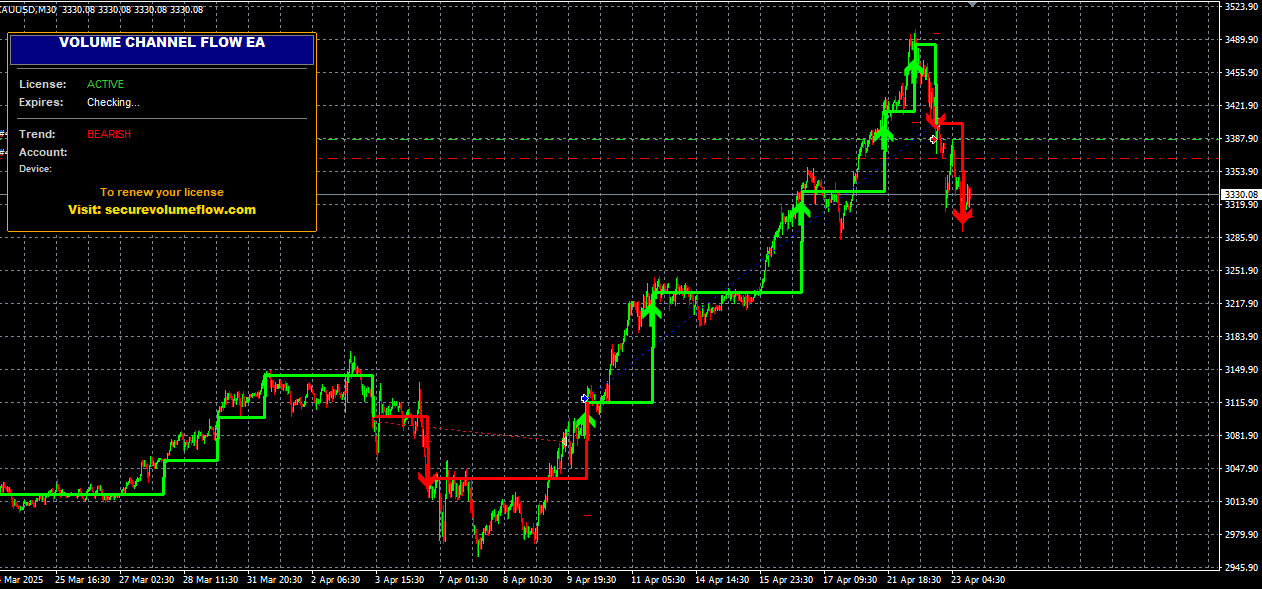
Once attached to a chart with AutoTrading enabled, the Expert Advisor continuously analyzes price action using the SecureVolumeFlow volume flow logic.
When the strategy's entry conditions are met, the robot opens a position with predefined stop-loss and take-profit levels, and manages it until the exit conditions are triggered.
Does the robot guarantee profits?
No. Automated trading involves significant risk and past performance is not indicative of future results.
The robot is a tool that follows a defined strategy; market conditions, broker execution and chosen settings all affect outcomes. We recommend extensive demo testing before live use.
What minimum balance do I need to run the robot?
We recommend a minimum deposit of $500 with a leverage of 1:100 or higher for proper risk distribution.
Smaller accounts can be used but require more conservative settings (lower lot size, tighter risk per trade).
Does it work with prop firm / funded accounts?
The robot can be used on prop firm accounts in principle, but you must verify the prop firm's rules regarding EAs, news trading, and maximum daily loss.
Configure the robot's risk parameters and trading hours to match the prop firm's restrictions before running it live.
Do I need a VPS to run the robot?
Strongly recommended. A VPS keeps your MT4 platform online 24/5 so the robot doesn't miss signals due to your PC being off, sleeping, or losing internet.
Many brokers offer free VPS for active accounts, or you can use third-party providers (e.g. ForexVPS, Beeks, Contabo).
How does the license system work?
Each license is bound to your trading account number and your device hardware. After purchase, you receive a unique license key valid for 1 year.
The robot is activated through a secure validation process and can be transferred to another account or device after 90 days.
What's included in the purchase?
You receive the SecureVolumeFlow MT4 Robot file (.ex4), a license key, installation guide, recommended settings (.set file),
and access to updates and priority email support during the active license period.
Do you offer a refund policy?
Yes, we provide a 7-day refund policy under specific conditions. Please review our refund terms or contact support before purchasing.
How do I install the robot?
Installation is straightforward: 1) Download the .ex4 file, 2) Place it in MT4's MQL4/Experts folder, 3) Restart MT4,
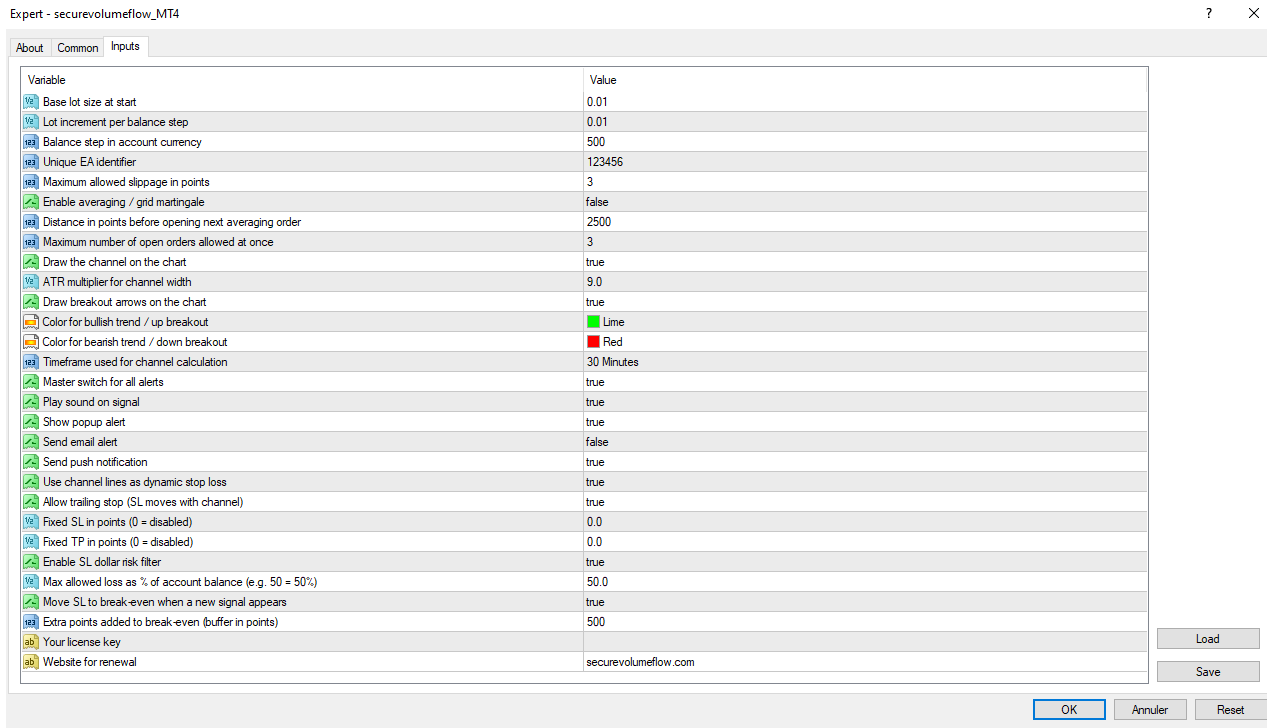
4) Drag the robot onto a chart, 5) Enable AutoTrading and configure your inputs. A detailed setup guide is included.